
Today I’m delighted to announce OpenFlights‘ coolest feature yet: KML exports. KML, or “Keyhole Markup Language“, is the data format used by Google Earth and many other 3D visualization programs, so now you can turn your OpenFlights maps into this:
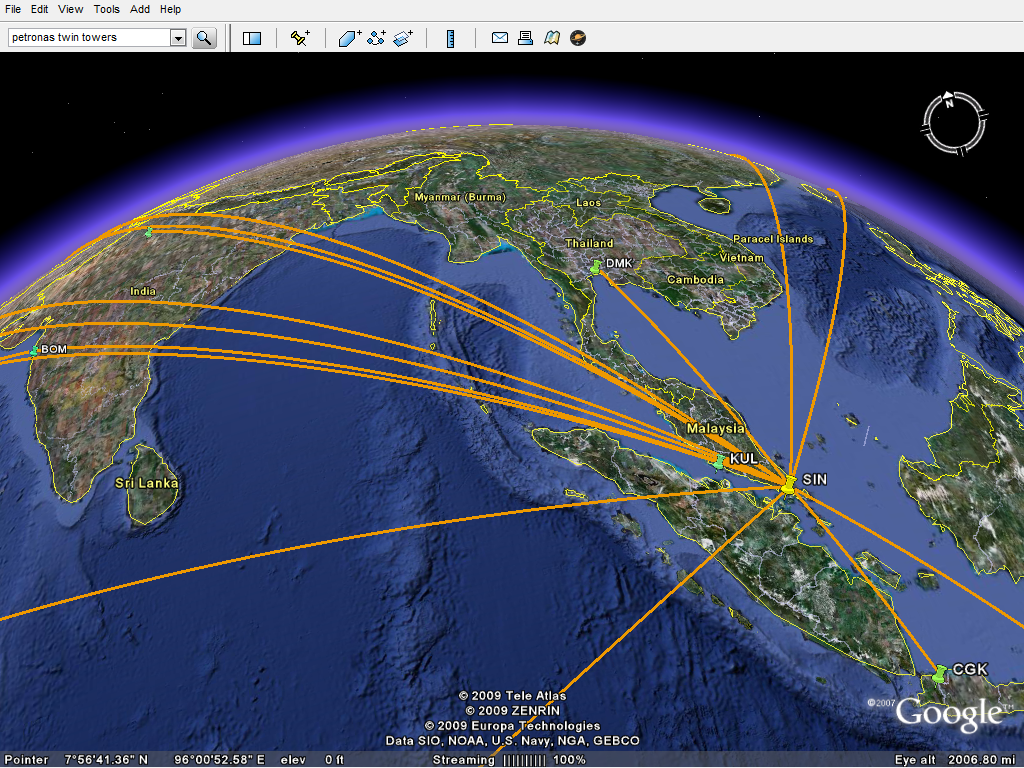
Exporting from OpenFlights couldn’t be much easier, just click on List flights and then hit the new KML button up top. Load the resulting file in Google Earth — just double-clicking should do the trick — and there’s your map, in glorious 3D! And if your planet looks a little too busy, you can tweak your OpenFlights filter and export, say, only one airline’s flights or only this year’s flights.
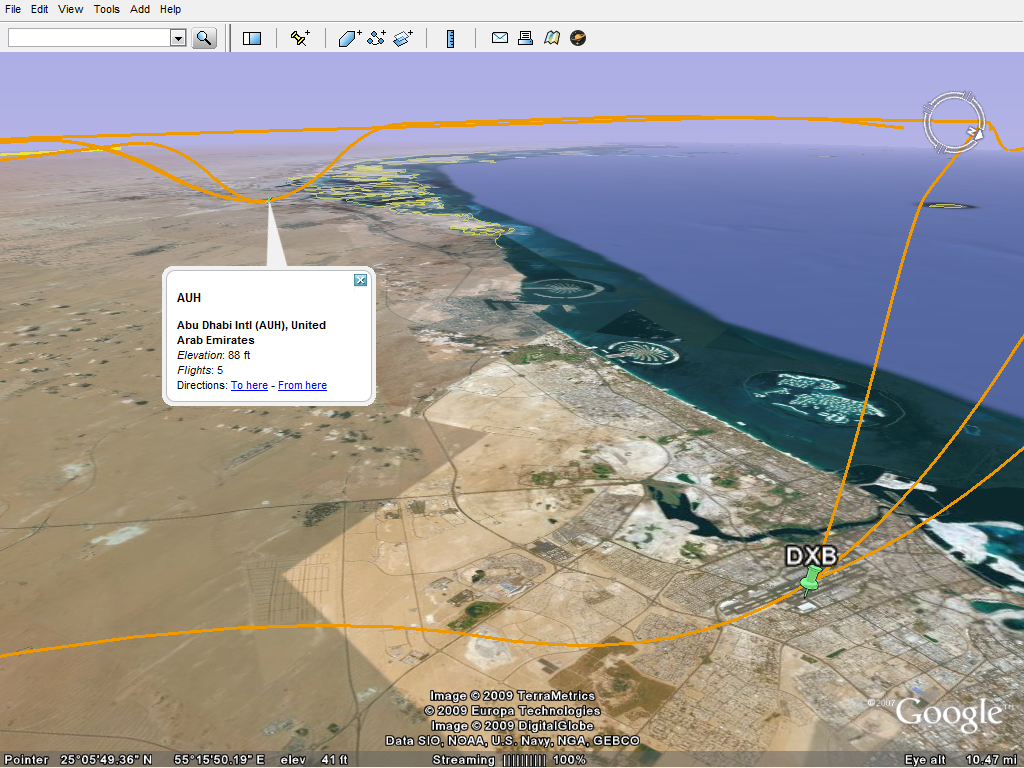
Airports are sized and color-coded, from big and yellow (busiest) to small and green (least visited), and you can click on them for more information. Flight routes take into account the airport’s altitude and even approximate takeoff and landing paths, although runways and actual approach paths are not accounted for.
If you want to give 3D maps a shot before you start entering your own, download this sample (337 KB) and load it in Google Earth. Tip: zoom into an airport and “tilt” the view with your middle button/scroll wheel to see the flight paths!
Anything else you’d like to see in your KML exports? Let us know.
Going for a spin,
-jani
 OpenFlights
Pingback: Trains, planes and automobiles – OpenFlights
June 28, 2010 at 6:54 pm
Hey Jani, i just want to inquire about something. I’ve been trying to understand how to link specifically from one point to many, such as flight paths. Any ways to do so? Thanks in advance.
LikeLike
August 31, 2010 at 8:14 am
I was at first confused by your site, because OpenFlight is a 3D model format of its own (MultiGen Creator) that is used widely in the modeling and simulation industry. I thought your site offered a conversion between OpenFlight model format and KML/KMZ.
LikeLike
November 23, 2015 at 7:19 am
the kml is empty when i click export on spcific routes
LikeLike
March 3, 2016 at 6:59 pm
to plot a trip, must create an account which takes a grand total of 10 seconds to do. 🙂
It either reverses the start and end-point in a the KML export, or if I swap the points the KML seems to plot a route along the ground although it looked fine in the first plot I exported – a bit confused, has possibilities if I had more patience.
LikeLiked by 1 person